 Ask Alvin (AI Chat)
Configuring Blog Detail View Options
Detail View settings control what appears when a visitor opens a single Blog post.
These settings are managed from the public page while the page is open in Edit mode.
Detail View Settings
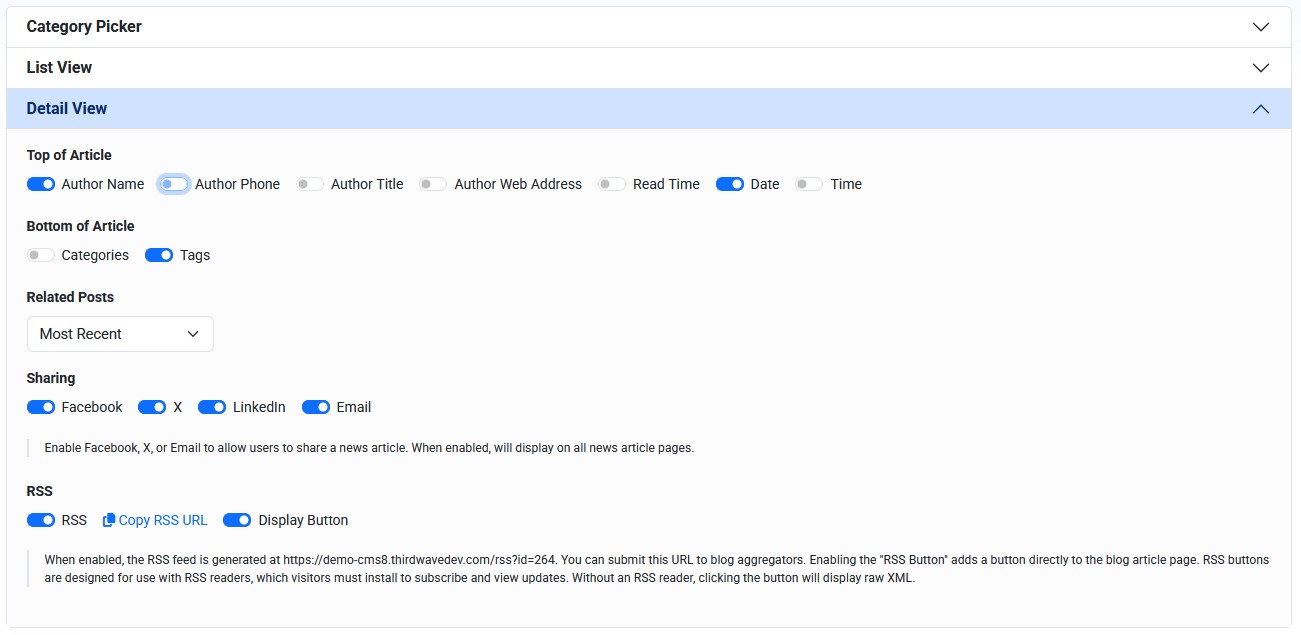
Detail View settings control metadata, related posts, sharing options, and RSS behavior for Blog post detail pages.
Detail View settings affect only the post pages that are linked from the main Blog page you are editing.
Top of Post settings control metadata that appears near the beginning of the post.
Top of Post options can include:
- Author Name
- Author Phone
- Author Title
- Author Web Address
- Read Time
- Date
- Time
Bottom of Post settings control information that appears after the post content.
Bottom of Post options can include:
- Categories
- Tags
Related Posts
Related Posts controls whether additional posts appear near the bottom of a post detail page.
Related Posts options can include:
- None
- Most Recent
- Same Tags
- Same Author
Use Most Recent when visitors should see current posts after reading any post.
Use Same Tags when related content should be based on shared topics.
Use Same Author when visitors should see more posts by the same author.
Sharing and RSS
Sharing settings control whether visitors can share a post through supported channels.
Sharing options can include:
- X
When sharing is enabled, share links are generated from the post's public URL.
RSS settings control whether the Blog page is included in an RSS feed and whether an RSS-related button appears on the public post page.
RSS is mainly useful for visitors or services that use RSS readers. Without an RSS reader, opening an RSS link can display raw XML.
Configure Detail View Settings
To configure Detail View settings:
- Open the public Blog page in Edit mode.
- Open Detail View in the module settings.
- Turn top-of-post options on or off.
- Turn bottom-of-post options on or off.
- Configure related posts, sharing, and RSS settings when needed.
- Click Submit.
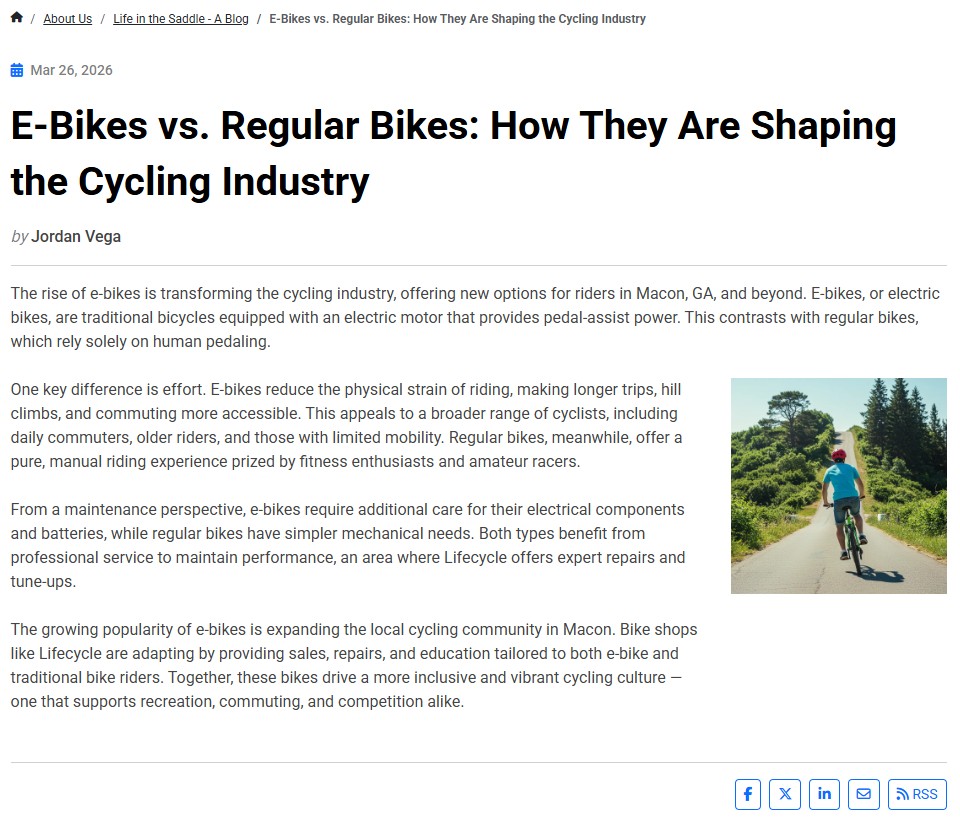
The public Blog post detail page can show post metadata, author information, sharing controls, comments, and related post areas depending on the selected settings.
Learn More
For author records, see Managing Blog Authors. For configuring the Blog list page, see Configuring Blog List View Layout, Filters, and Archive Behavior. For public comments, see Understanding Public Blog Comments.