 Ask Alvin (AI Chat)
Getting Started with the User Manager
The User Manager is used to create CMS users, update user profiles, assign permissions, and manage reusable permission templates.
Open the User Manager from the System accordion.
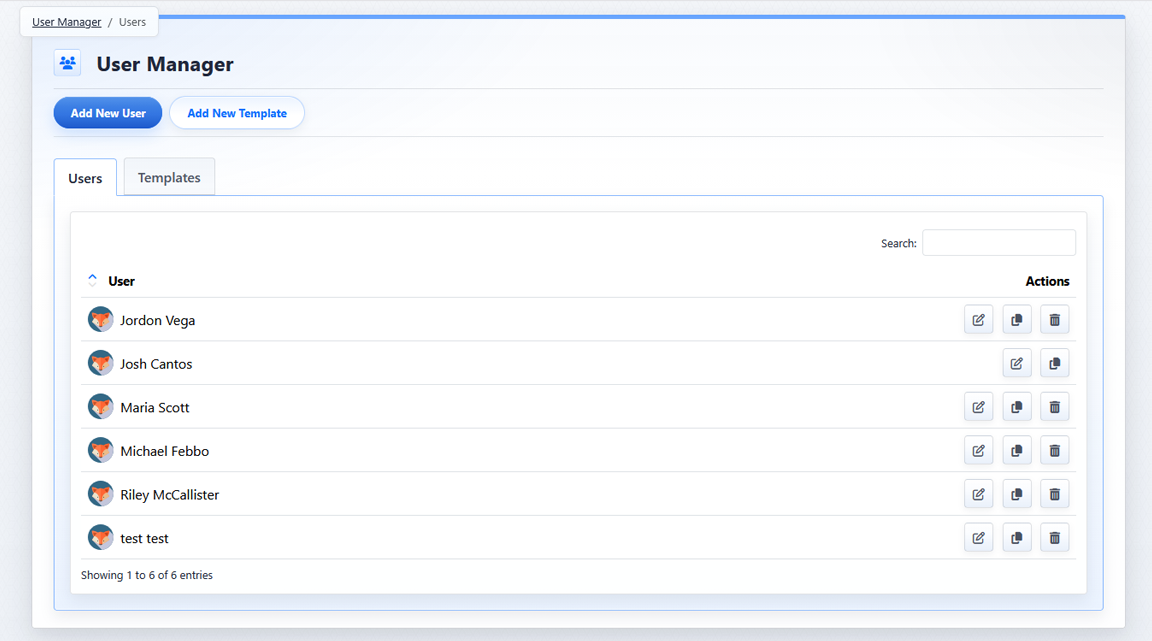
The User Manager opens to the Users tab, where CMS user accounts are listed.
The list view includes two tabs:
- Users
- Templates
The Users tab shows CMS user accounts. Use this tab to add users, edit existing users, copy users, or delete users.
The Templates tab shows permission templates. Use this tab to create, edit, copy, or delete reusable permission sets.
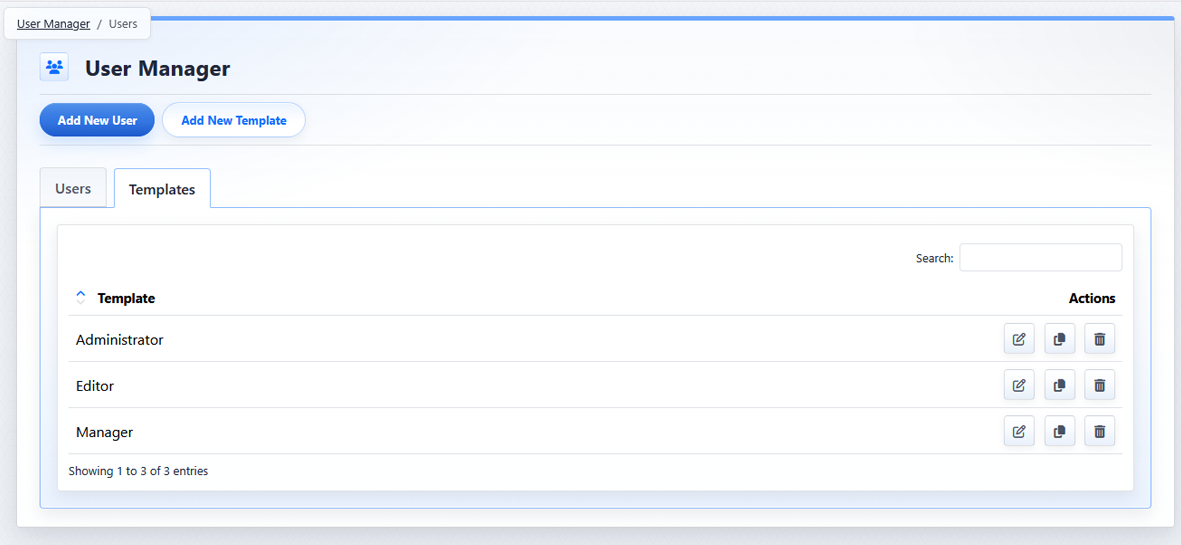
The Templates tab lists reusable permission templates.
Main Controls
| Control | What It Does |
|---|---|
 |
Add New User and Add New Template Use these buttons to create a new CMS user or a new permission template. |
 |
Users and Templates Tabs Use the tabs to switch between CMS user accounts and reusable permission templates. |
 |
Search Use Search to filter the current list. |
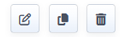 |
Action Buttons Use row action buttons to work with an individual user or template. |
The controls you see depend on your CMS permissions. Users with restricted permissions may not be able to access all features.
Learn More
For more about row action buttons, see Understanding User Manager Action Icons. For creating users, see Adding a New User. For permission templates, see Creating and Managing Permission Templates.