 Ask Alvin (AI Chat)
Resetting a Forgotten Password
Use the forgot password screen when you do not remember the password for your CMS account.
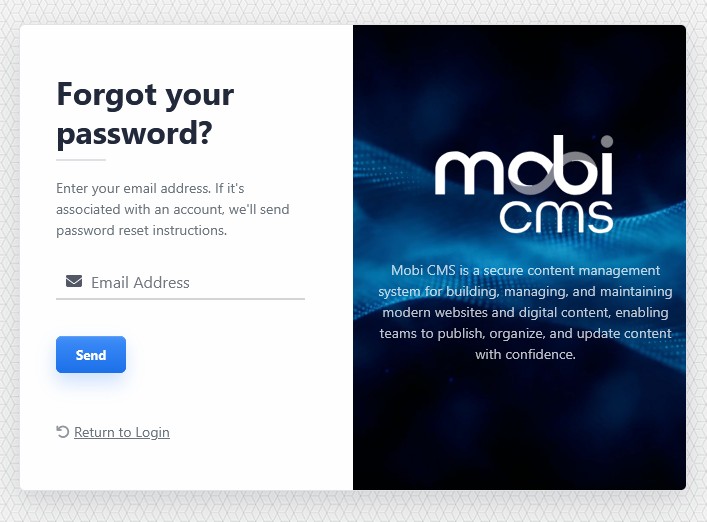
The forgot password screen sends password reset instructions to the email address associated with your CMS account.
Requesting A Password Reset
To request a password reset:
- Open the Mobi CMS login screen.
- Click Forgot Password?
- Enter the email address associated with your CMS account.
- Click Send.
If the email address matches a CMS account, password reset instructions are sent to that inbox.
Note: Didn't receive the email? Be sure to check your email's spam or junk folder.
Use Return to Login to go back to the login screen.
Learn More
For signing in after your password is reset, see Logging In to Mobi CMS. For changing your password while already logged in, see Managing Your Profile, Password, Appearance, and Logout.