 Ask Alvin (AI Chat)
Adding Forms to Public Pages
Forms created in Form Builder can be added to public pages through a Form block. After adding a form block, expand the form picker module.
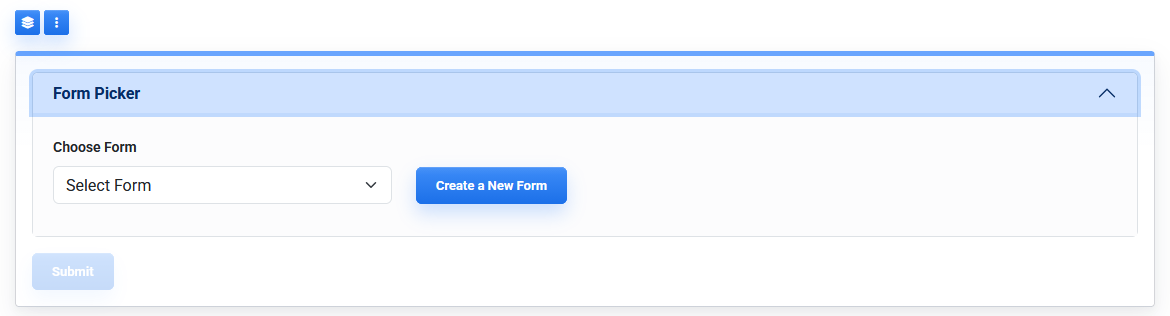
The Form Picker lets you choose an existing form or open Form Builder to create a new form.
The Form Picker includes:
- Choose Form
- Create a New Form
- Submit
Form Picker Controls
Choose Form lets you select an existing form to display on the page.
Only forms that are available for public display can be selected. If the form you need is not listed, confirm that the form exists and that its Published setting is enabled in Form Builder.
Create a New Form opens Form Builder so you can start a new form. After creating the form, return to the page and select it in the Form Picker.
Click Submit to save the Form Picker selection for the page.
The Form Picker controls which form appears in that page block. The form's fields, notification behavior, confirmation message, redirects, and automatic replies are managed in Form Builder.
Learn More
For creating a form, see Creating and Setting Up a Form. For adding and arranging fields, see Building a Form with Field Management. For publishing forms, see Understanding Form Builder Action Buttons.