 Ask Alvin (AI Chat)
Setting Up SEO Options for a Page
Use SEO Options in the Menu Manager edit view to manage page metadata, the social sharing image, and indexing behavior.
The controls you see depend on your CMS permissions. Users with restricted permissions may not be able to access all features.
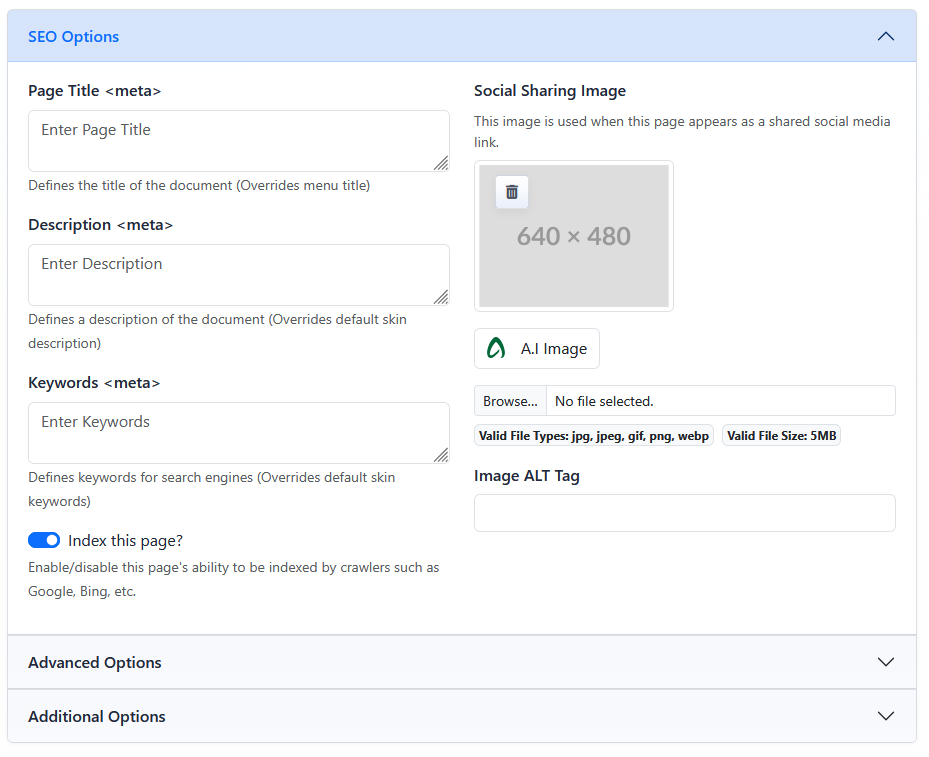
The SEO Options section contains page metadata, social sharing image, and indexing controls.
Open SEO Options
- Open the Menu Manager from the System accordion.
- Find the page you want to update.
- Click the page's Edit button.
- Open the SEO Options accordion.
- Update the SEO fields.
- Click Submit.
SEO Metadata Fields
The left side of SEO Options contains the main metadata fields for the page.
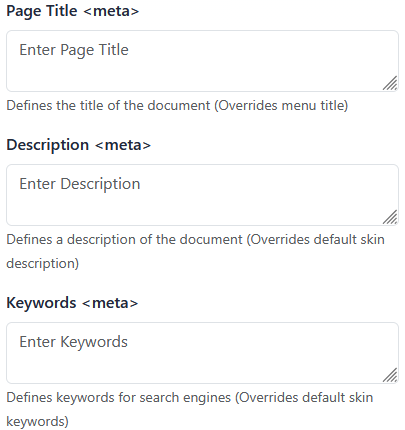
Page Title defines the document title metadata for the page. It overrides the menu title for this purpose.
Description defines the page description metadata. It overrides the default skin description.
Keywords defines page keyword metadata. It overrides the default skin keywords.
Social Sharing Image
Social Sharing Image is used when the page appears as a shared social media link.
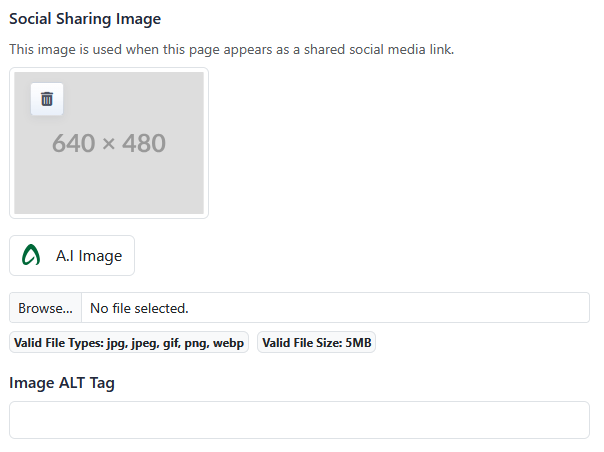
The image area shows the selected image preview. Use the delete button in the image area to remove the current social sharing image.
Indexing
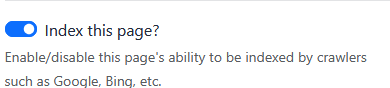
Index this page? controls whether the page is marked as indexable. For a deeper explanation of indexing and navigation visibility, see Setting Page Visibility and Indexing.
Learn More
For more about how Menu Title and Page Title differ, see Understanding Menu Title, Page Title, Template, and Permalink.