 Ask Alvin (AI Chat)
Reordering Slides
The order of slides in the slide list controls the public slideshow order.
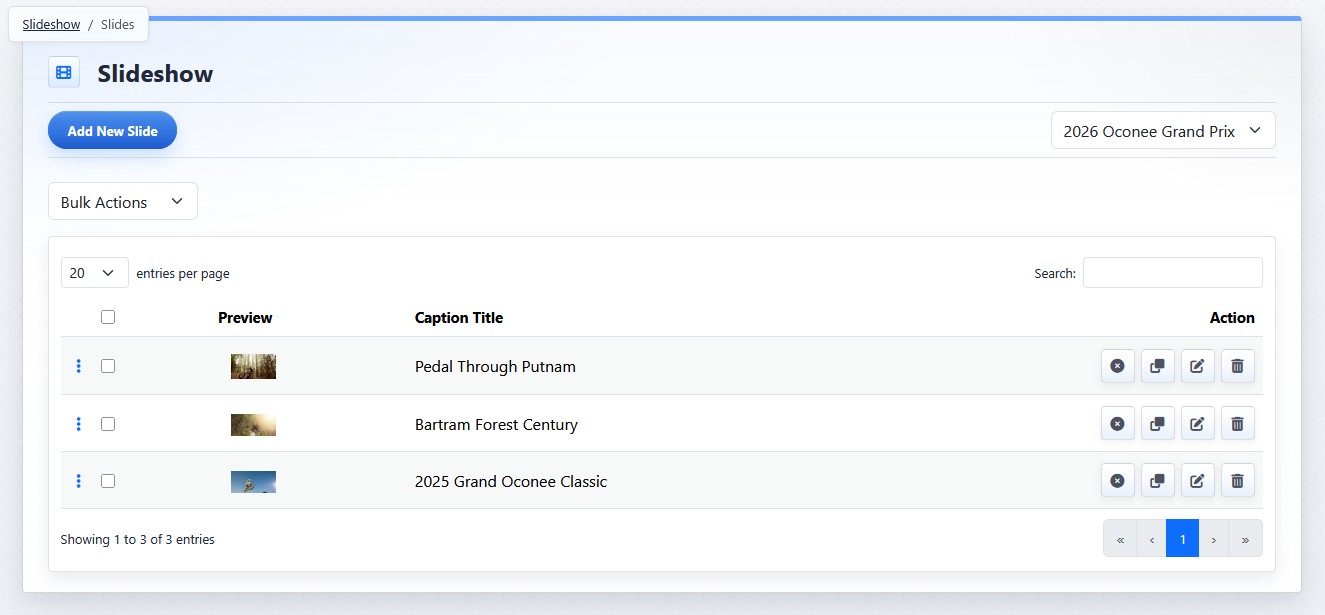
Slides are reordered from the slide list view.
To reorder slides:
- Open the Slideshow tool from the Plugins accordion.
- Open the slide list for the slideshow.
- Drag slides into the desired order using the row handle.
Understanding Slide Reordering
- The new order is saved automatically.
- The public slideshow reflects the updated order. Pages that are already open may need to be refreshed before the new order appears.
- Reordering changes slide order only. It does not change slide content, publish status, scheduling, or page-level slideshow settings.
The controls you see depend on your CMS permissions. Users with restricted permissions may not be able to access all features.
Learn More
For slide list controls, see Managing Slides in a Slideshow. For slide actions, see Using Slide Actions and Bulk Actions.