 Ask Alvin (AI Chat)
Navigating System, Content, and Plugins in the Console
The console organizes CMS tools into accordion sections.
Open an accordion to view the tools inside it. The tools you see depend on your CMS permissions and the features enabled for your site. Users with restricted permissions may not be able to access all tools.
The console accordions expand to show the tools available in each section.
System
System contains administrative tools for managing users, site structure, and redirects.
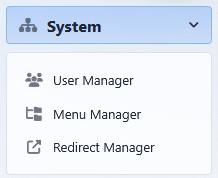
The System accordion contains administrative tools such as User Manager, Menu Manager, and Redirect Manager.
Common System tools include:
- User Manager
- Menu Manager
- Redirect Manager
Content
Content contains tools used while managing page content and publishing workflows.
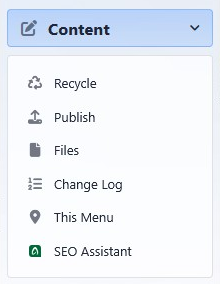
The Content accordion contains page content and publishing tools.
Common Content tools include:
- Recycle
- Publish
- Files
- Change Log
- This Menu
- SEO Assistant
Plugins
Plugins contains feature-specific tools for managing plugin content.
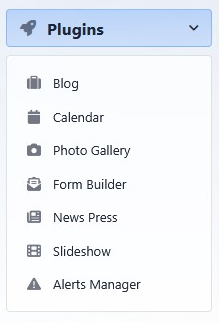
The Plugins accordion contains tools for feature-specific content.
Common Plugins tools include:
- Blog
- Calendar
- Photo Gallery
- Form Builder
- News Press
- Slideshow
- Alerts Manager
Some sites may include custom tools or fewer tools than shown here.
Learn More
For a broader console orientation, see Getting Started with the CMS Console. For profile and appearance options, see Managing Your Profile, Password, Appearance, and Logout.