 Ask Alvin (AI Chat)
Managing News Media Contacts and Boilerplates
The Profile module stores reusable media contacts and boilerplates for News & Press articles.
Open the Profile module from the News & Press list view by clicking Profile.
The Profile module includes two tabs:
- Media Contact
- Boilerplate
Media Contacts
Media contacts are reusable contact records for press or public inquiries. Use media contacts when articles should display contact information.
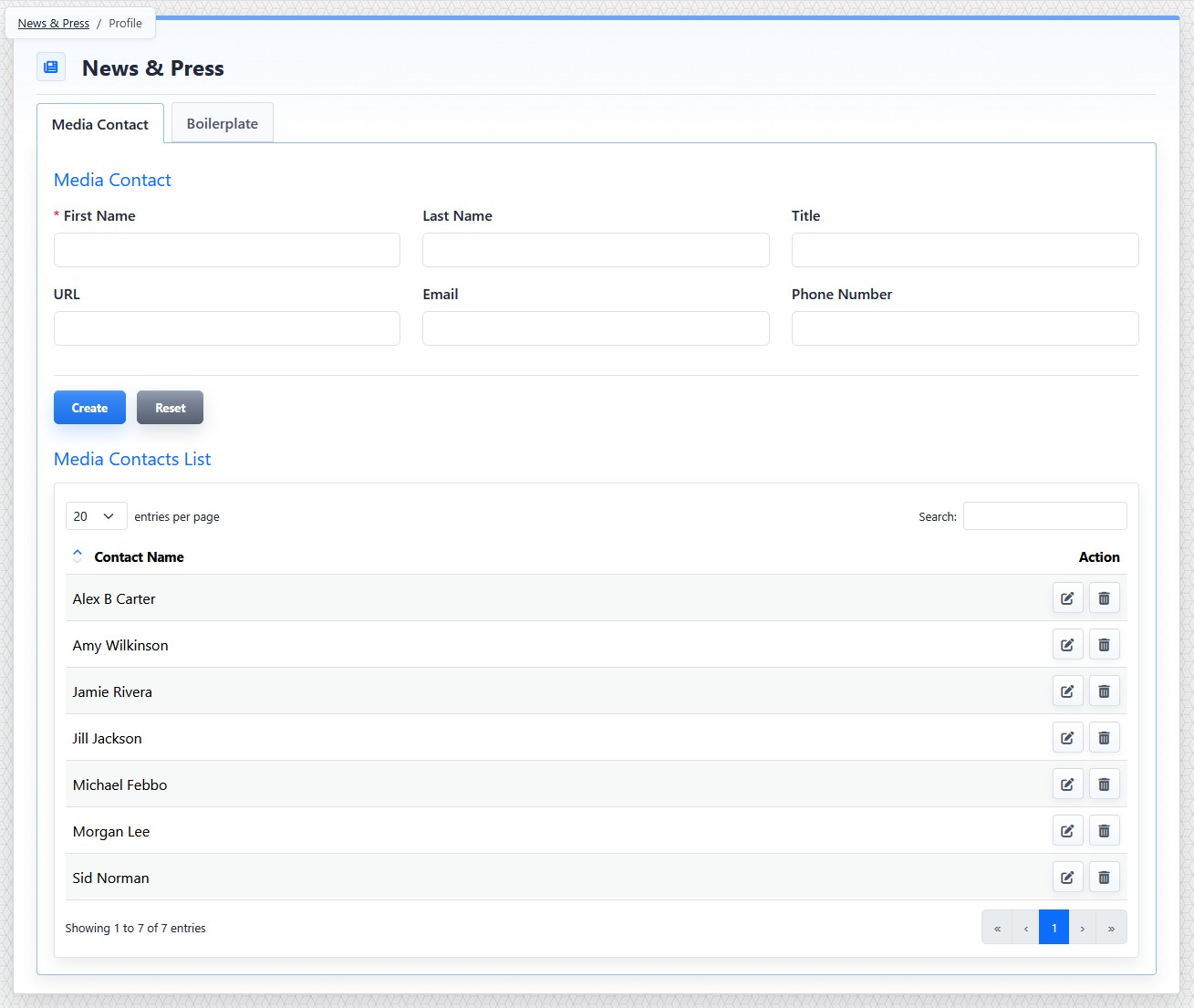
The Media Contact tab stores reusable contact records for News & Press articles.
Media contact fields include:
- First Name
- Last Name
- Title
- URL
- Phone Number
First Name is required. Email must be a valid email address when entered.
To create a media contact:
- Open the News & Press tool from the Plugins accordion.
- Click Profile.
- Open the Media Contact tab.
- Complete the contact fields.
- Click Create.
To edit a media contact:
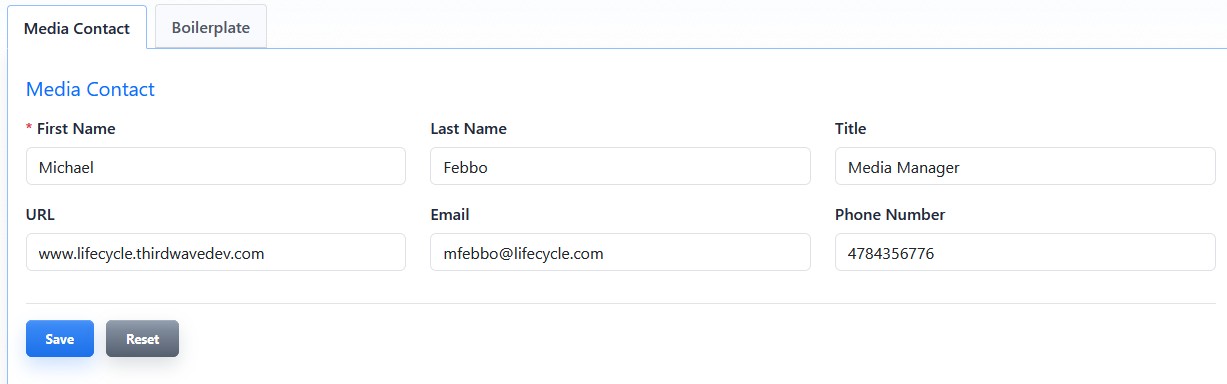
Editing a media contact lets you update reusable press contact information.
- Open the Media Contact tab.
- Find the contact in the list.
- Click the contact's Edit button.
- Update the needed fields.
- Click Save.
Boilerplates
Boilerplates are reusable blocks of organization text, often used at the end of press releases.
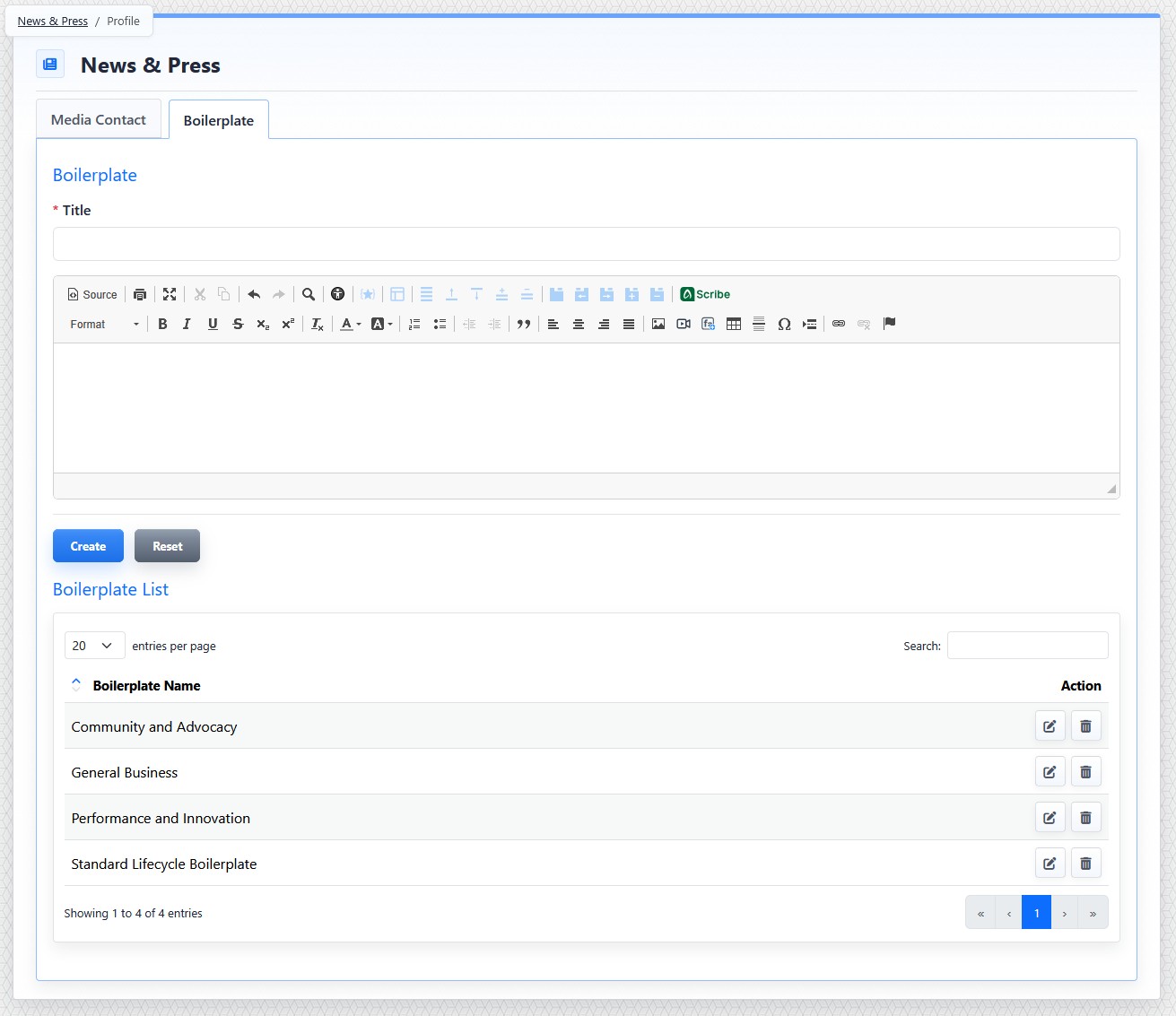
The Boilerplate tab stores reusable organization text for News & Press articles.
Boilerplate fields include:
- Title
- Content
Title is required. Content uses the editor so the boilerplate can include formatted text and links.
To create a boilerplate:
- Open the News & Press tool from the Plugins accordion.
- Click Profile.
- Open the Boilerplate tab.
- Enter the boilerplate title.
- Add the boilerplate content.
- Click Create.
To edit a boilerplate:
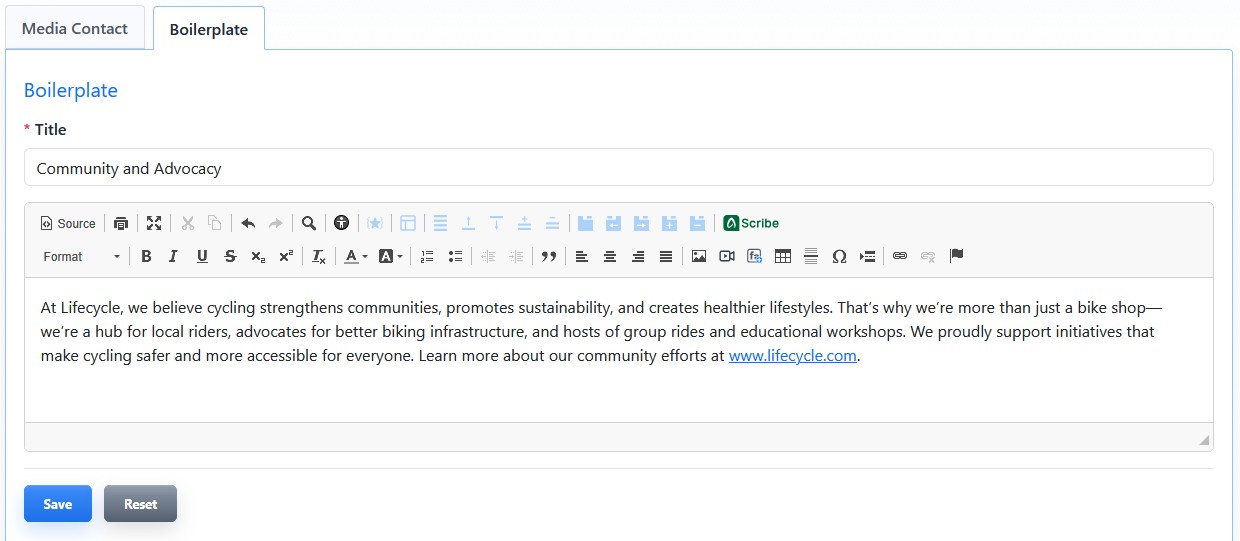
Editing a boilerplate lets you update reusable organization text.
- Open the Boilerplate tab.
- Find the boilerplate in the list.
- Click the boilerplate's Edit button.
- Update the needed fields.
- Click Save.
Deleting a media contact or boilerplate removes that reusable record. Articles that used the deleted record no longer have that selection available.
The controls you see depend on your CMS permissions. Users with restricted permissions may not be able to access all features.
Learn More
For assigning media contacts and boilerplates to articles, see Setting News Article Details. For configuring whether they appear publicly, see Configuring News Detail View, Sharing, and RSS Options.