 Ask Alvin (AI Chat)
Creating Multiple Pages or Subpages
Use Add Multiple to open Quick Add and create several pages in one workflow.
Add Multiple and Add Multiple Submenus depend on your CMS permissions. Users with restricted permissions may not be able to create multiple pages or subpages.
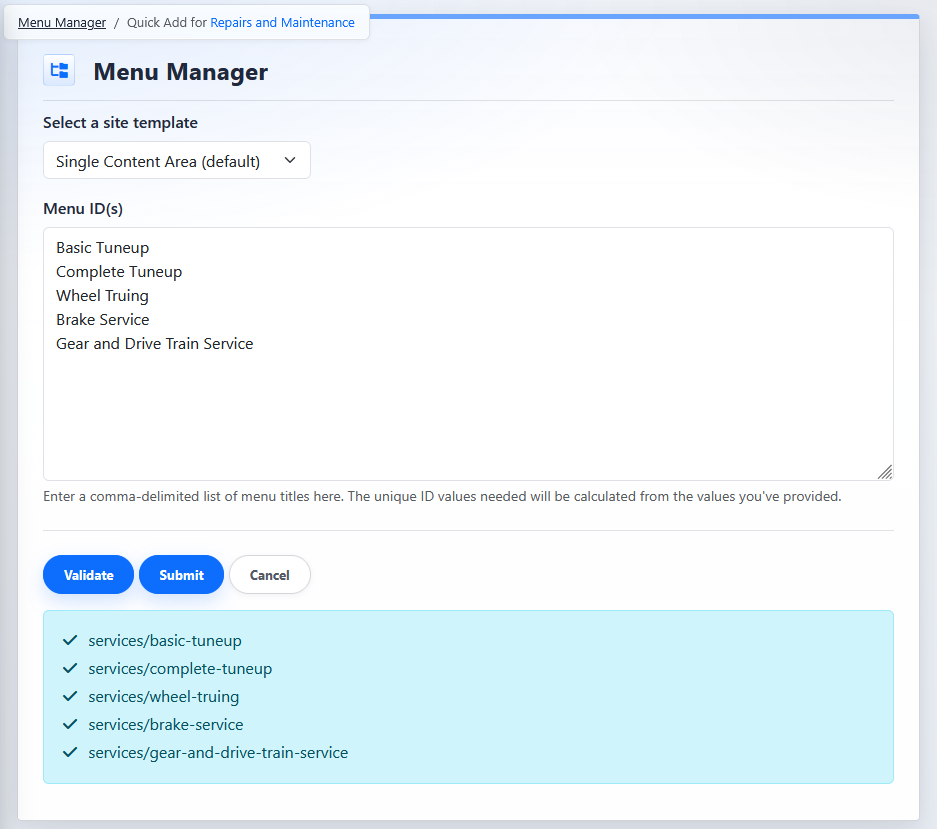
The Quick Add screen creates multiple top-level pages or multiple child pages from one list of page titles.
Create Multiple Top-Level Pages
- Open the Menu Manager from the System accordion.
- Select the section where the pages should be created.
- Click the Add Multiple button.
- Select the site template for the new pages.
- Enter the page titles in Menu ID(s). See Menu ID(s) below for more information.
- Click Validate. See Validation below for more details.
- Review the generated URLs.
- Click Submit.
Create Multiple Subpages
- Open the Menu Manager from the System accordion.
- Find the parent page.
- Click the parent page's Add Multiple Submenus button.
- Complete the Quick Add screen using the same steps 4 through 8 from above.
When Quick Add is launched from the toolbar, the new pages are created as top-level pages in the selected section. When Quick Add is launched from a parent page row, the new pages are created as child pages under that parent.
Quick Add Fields
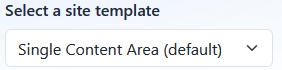
Site Template
The selected template is applied to every page created in the batch.
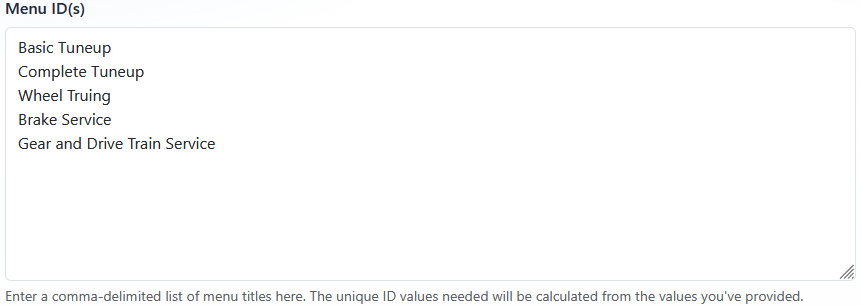
Menu ID(s)
Enter one page title per line, or enter a comma-delimited list. The system generates the unique ID and URL values from the titles you enter.
Validation
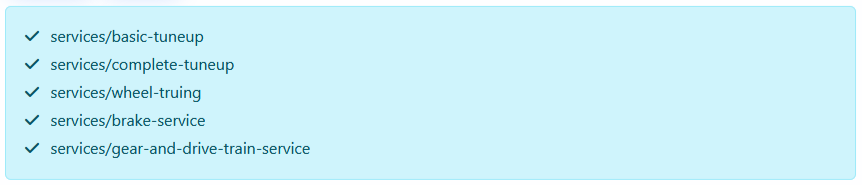
Click Validate to check the generated URL values before the pages are created. Before validation succeeds, Submit is not available.

After validation succeeds, Submit becomes available.

The validation results show the generated URL for each page and a pass/fail indicator.
Pages are created in the same order they are entered. Child pages created under a parent can inherit behavior from that parent. See Understanding Inherited Page Settings for Subpages.
Learn More
For more about Menu Title and Permalink behavior, see Understanding Menu Title, Page Title, Template, and Permalink.