 Ask Alvin (AI Chat)
Configuring Photo Gallery Display Settings
Display Settings control how gallery thumbnails and titles appear on the public page.
These settings apply only to the Photo Gallery content block on the current page. They do not change the album itself.
Open Display Settings in the Photo Gallery content block to configure the gallery display.
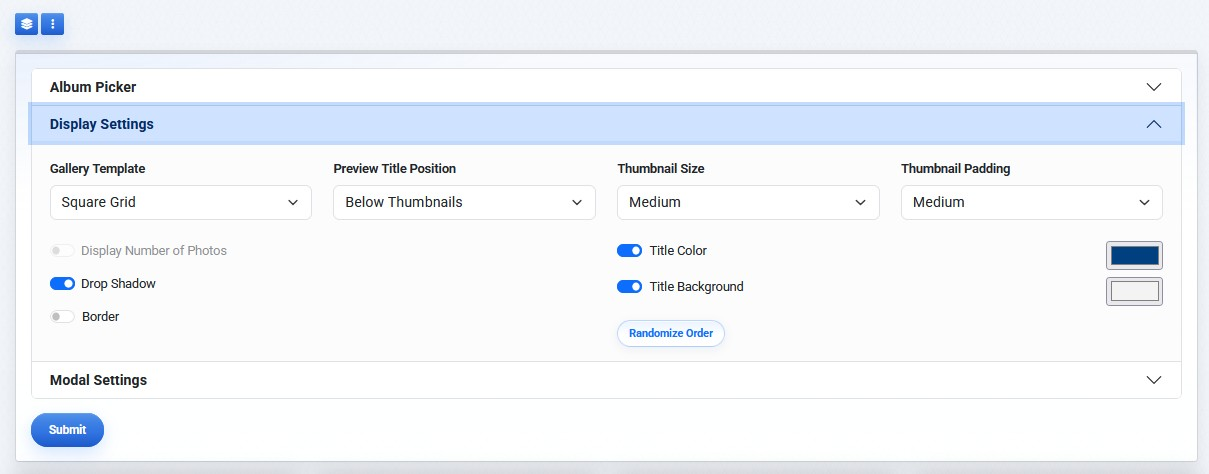
Display Settings control gallery layout, titles, thumbnail spacing, colors, and randomized order.
Display Settings include:
- Gallery Template
- Preview Title Position
- Thumbnail Size
- Thumbnail Padding
- Display Number of Photos
- Drop Shadow
- Border
- Title Color
- Title Background
- Randomize Order
Layout Options
| Control | What It Does |
|---|---|
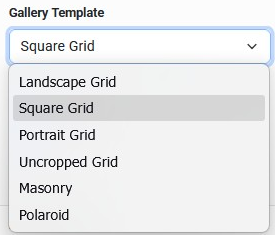 |
Gallery Template Controls the shape and layout of thumbnails. Options can include Landscape Grid, Square Grid, Portrait Grid, Uncropped Grid, Masonry, and Polaroid. |
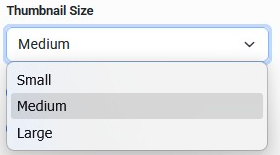 |
Thumbnail Size Controls the relative size of thumbnail images. |
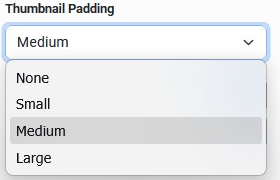 |
Thumbnail Padding Controls the spacing between thumbnails. |
Title And Visual Options
| Control | What It Does |
|---|---|
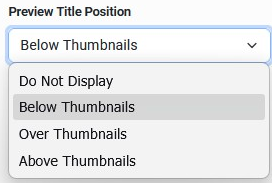 |
Preview Title Position Controls whether titles appear and where they display relative to thumbnails. |
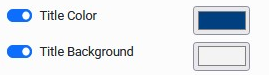 |
Title Color and Title Background Control title text color and optional background color behind the title text. |
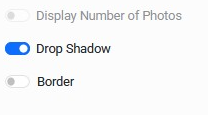 |
Display Toggles Display Number of Photos applies when Album covers only is selected. Drop Shadow adds a shadow. Border adds a colored border. |
 |
Randomize Order Shuffles the displayed image order when Show all photos is selected. |
Display Configuration Notes
When Show all photos is selected, preview titles refer to image titles.
When Album covers only is selected, preview titles refer to album titles.
Drop Shadow and Border are mutually exclusive. You can enable one or the other, but not both.
Randomize Order applies when Show all photos is selected and overrides album order and image order.
Learn More
For selecting albums and choosing the display mode, see Adding and Selecting Albums for a Page Gallery. For lightbox behavior, see Configuring Photo Gallery Modal Settings.