 Ask Alvin (AI Chat)
Configuring a Public Calendar Page
The Calendar module can be configured on a public website page while the page is open in Edit mode.
These settings control which calendar events appear on that page and how the calendar list view behaves for visitors.
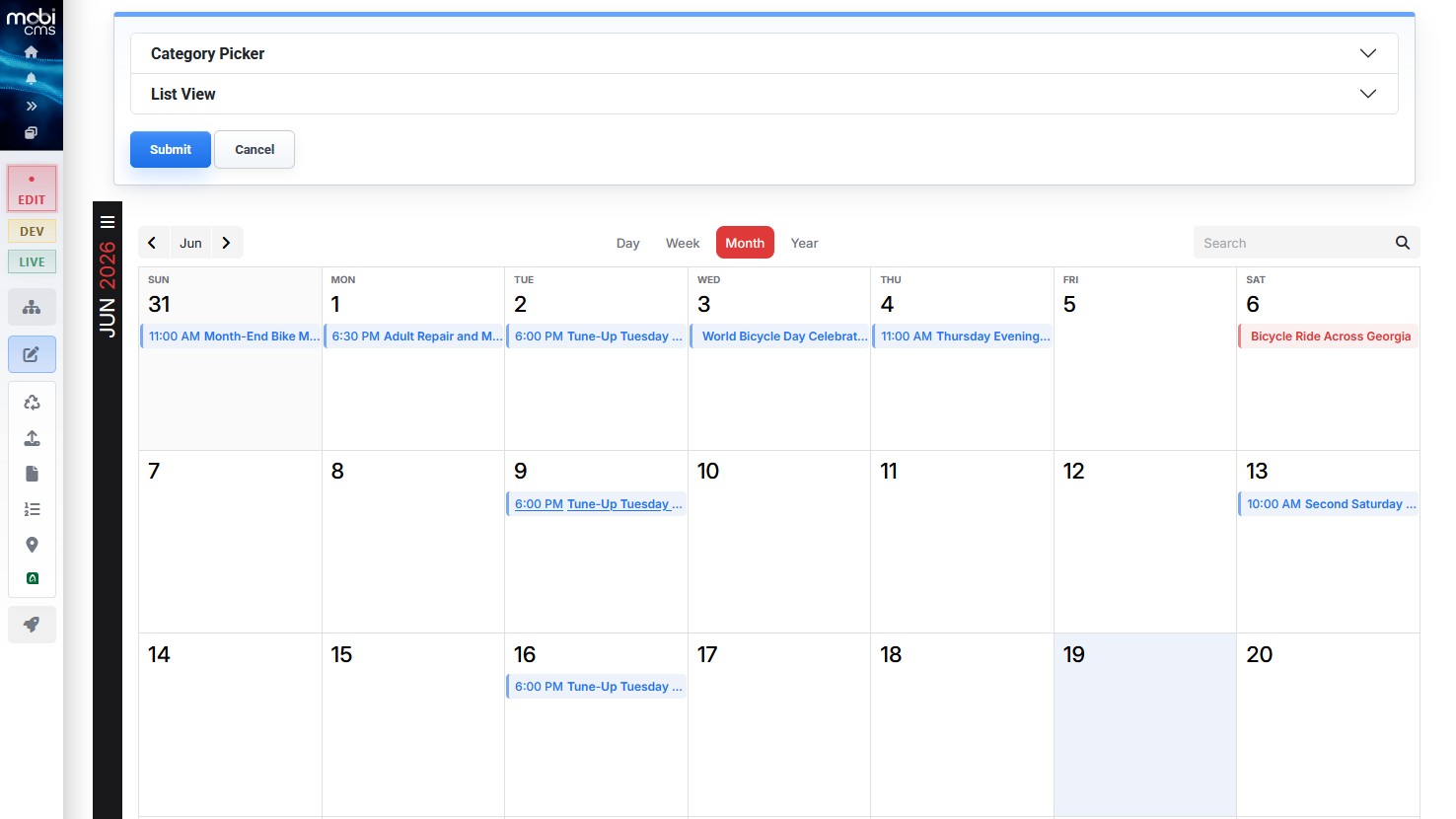
When a Calendar page is open in Edit mode, module settings appear above the public calendar display.
The Calendar page module includes two main accordion sections:
- Category Picker
- List View
Category Picker
Use Category Picker to choose which event categories are included on the page.
Select All includes all available categories.
Turning off Select All lets you choose individual categories.
Only events assigned to the selected categories appear on that public calendar page.
Use this setting when different public calendar pages should show different groups of events.
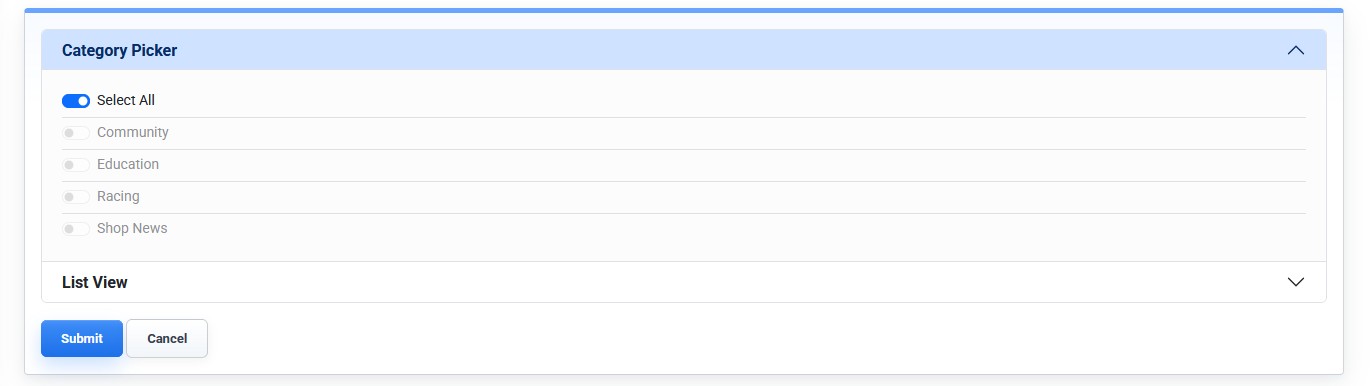
Category Picker controls which event categories are included on the current public calendar page.
List View
Use List View to control how event information displays on the default calendar landing page.
List View settings can include:
- Template: controls the calendar display format used on the page.
- Times: controls whether event times are shown in the calendar display.
- Search: controls whether visitors can search events on the calendar page.
- Disable Category Color: controls whether category colors are used in the public calendar display.
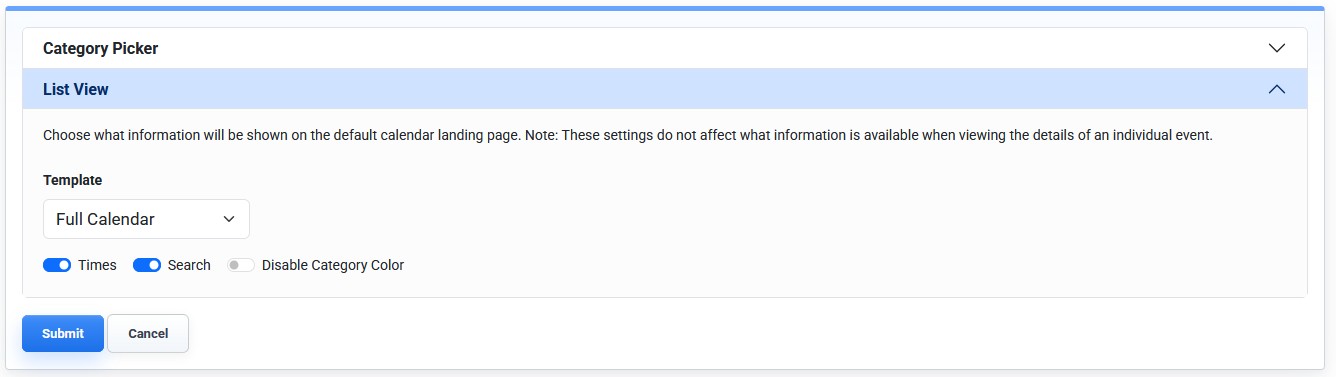
List View controls the template and display options for the public calendar page.
Configuring the Page
To configure a public calendar page:
- Open the public calendar page in Edit mode.
- Open the Calendar module settings.
- Open Category Picker.
- Choose all categories or select individual categories.
- Open List View.
- Choose the template and display settings.
- Click Submit.
These settings apply to the calendar module on the current page. They do not change the underlying event records in the Calendar tool.
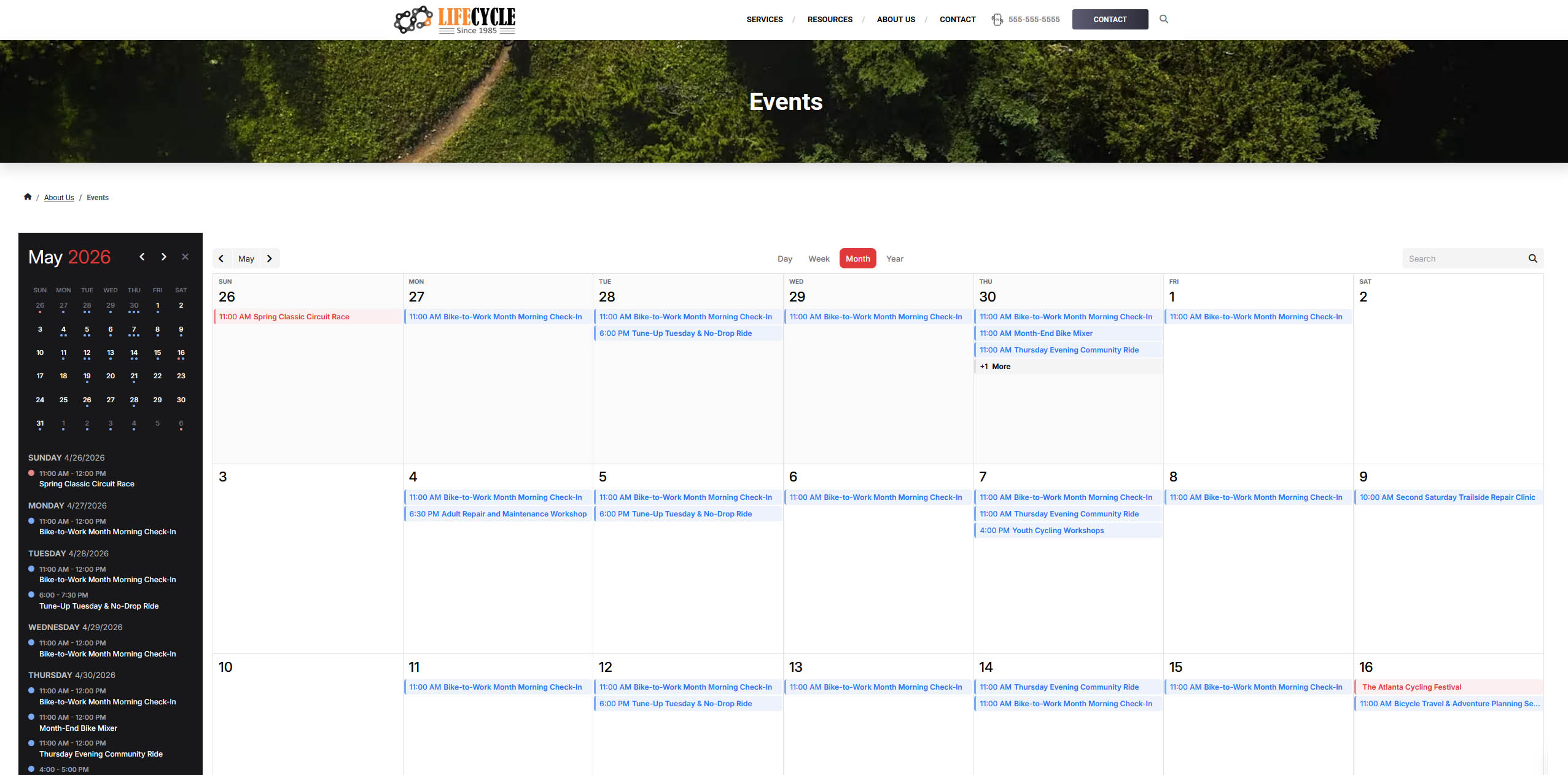
The public calendar page displays events according to the selected module settings.
Learn More
For managing event records, see Adding or Editing a Calendar Event. For category management, see Understanding Category Management.