 Ask Alvin (AI Chat)
Adding a Slideshow to a Page
A slideshow can be displayed on a public page using a Slideshow content block.
Page-level slideshow settings apply only to that slideshow block on that page. They do not change the slideshow's master settings or other pages where the same slideshow appears.
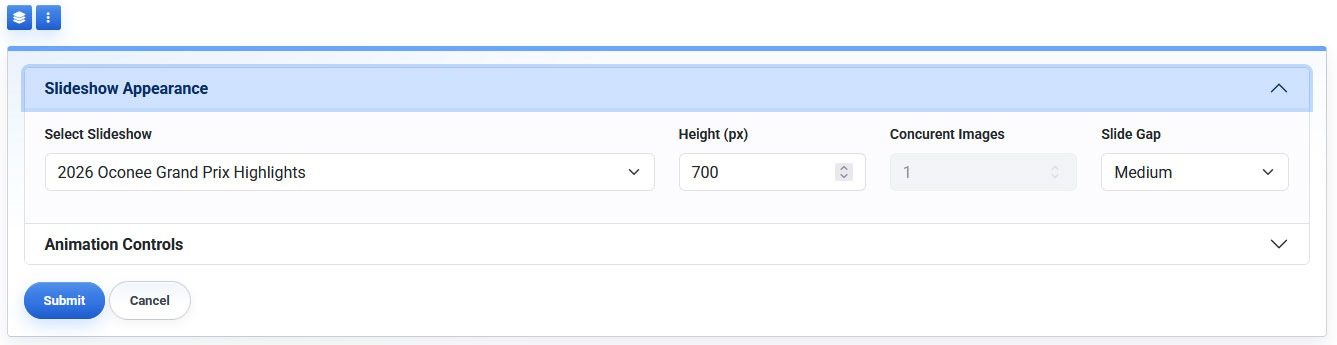
The Slideshow content block includes Slideshow Appearance and Animation Controls sections.
To add or configure a slideshow on a page:
- Open the page in Edit mode.
- Add or open the Slideshow content block.
- Open Slideshow Appearance.
- Choose the slideshow from Select Slideshow.
- Click Submit.
Only published slides within the selected slideshow appear publicly.
The Select Slideshow field determines which slideshow displays in this content block.
Learn More
For page-level appearance and animation options, see Configuring Slideshow Appearance and Animation on a Page. For slideshow-wide settings, see Configuring Slideshow Settings.