 Ask Alvin (AI Chat)
Viewing CMS Notifications
Mobi CMS notifications provide CMS-related messages for site administrators and users. These messages can include system updates, maintenance notices, feature announcements, or other CMS status messages.
Temporary Notifications
When a notification is first published, it may appear as a temporary message in the top-right corner of your browser window.
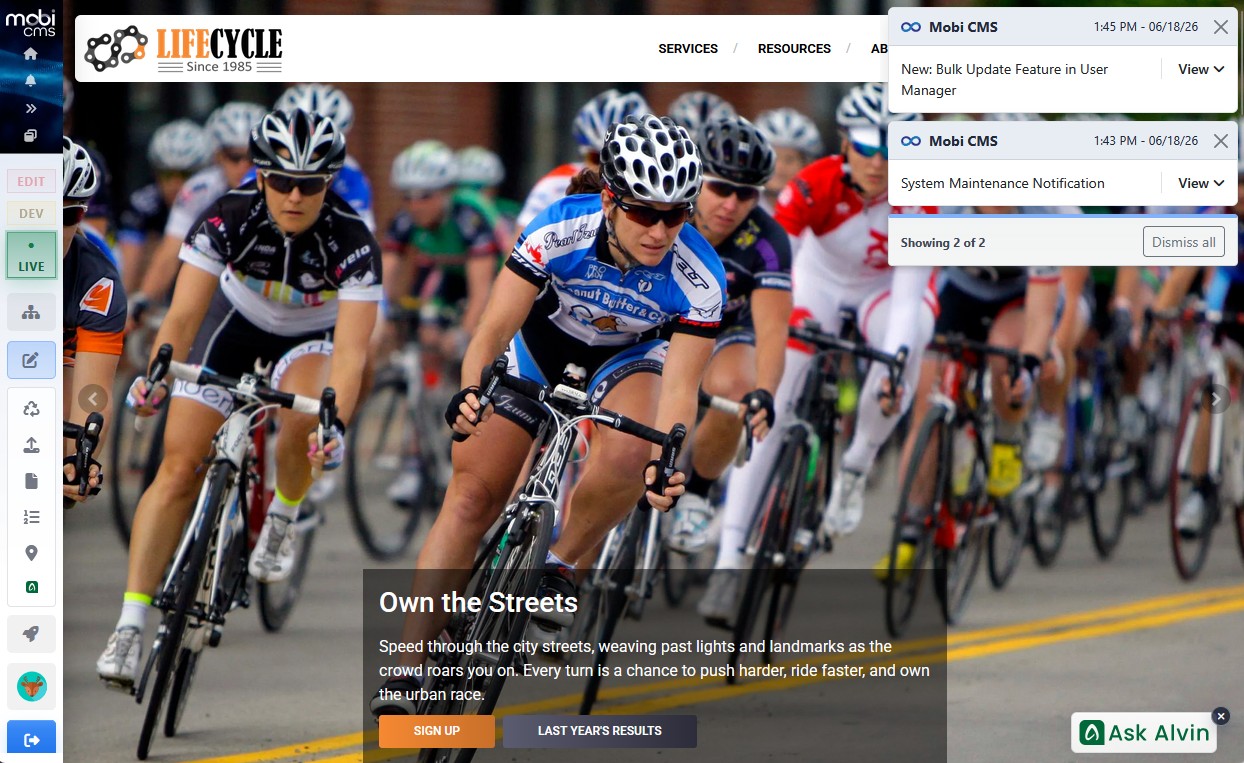
New notifications can appear temporarily in the top-right corner of the browser window.
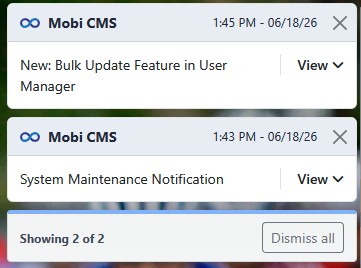
Temporary notifications can be viewed, expanded, dismissed individually, or dismissed together.
Notifications can be dismissed from the temporary notification display.
After a notification is dismissed, it remains available in Notifications History.
Notifications History
To view notification history:
- Click the notifications icon at the top of the console.
- Review the list of notifications.
- Use search, sorting, or pagination when needed.
- Expand a notification to view more detail when additional detail is available.
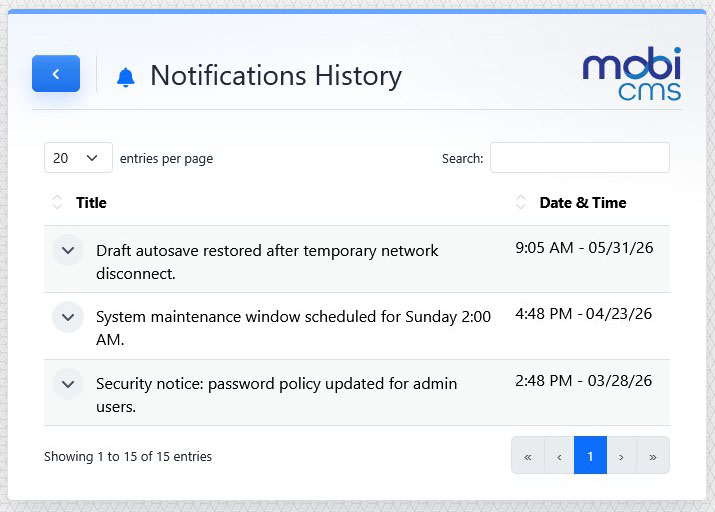
Notifications History keeps dismissed notifications available for later review.
The notification list shows each notification by title and date/time.
Learn More
For the main console controls, see Getting Started with the CMS Console.