 Ask Alvin (AI Chat)
Creating and Editing Categories
The Category Detail View is where you create or edit a category.
Use this view to define the category name, choose a category color, add a preview image, and provide image alt text.
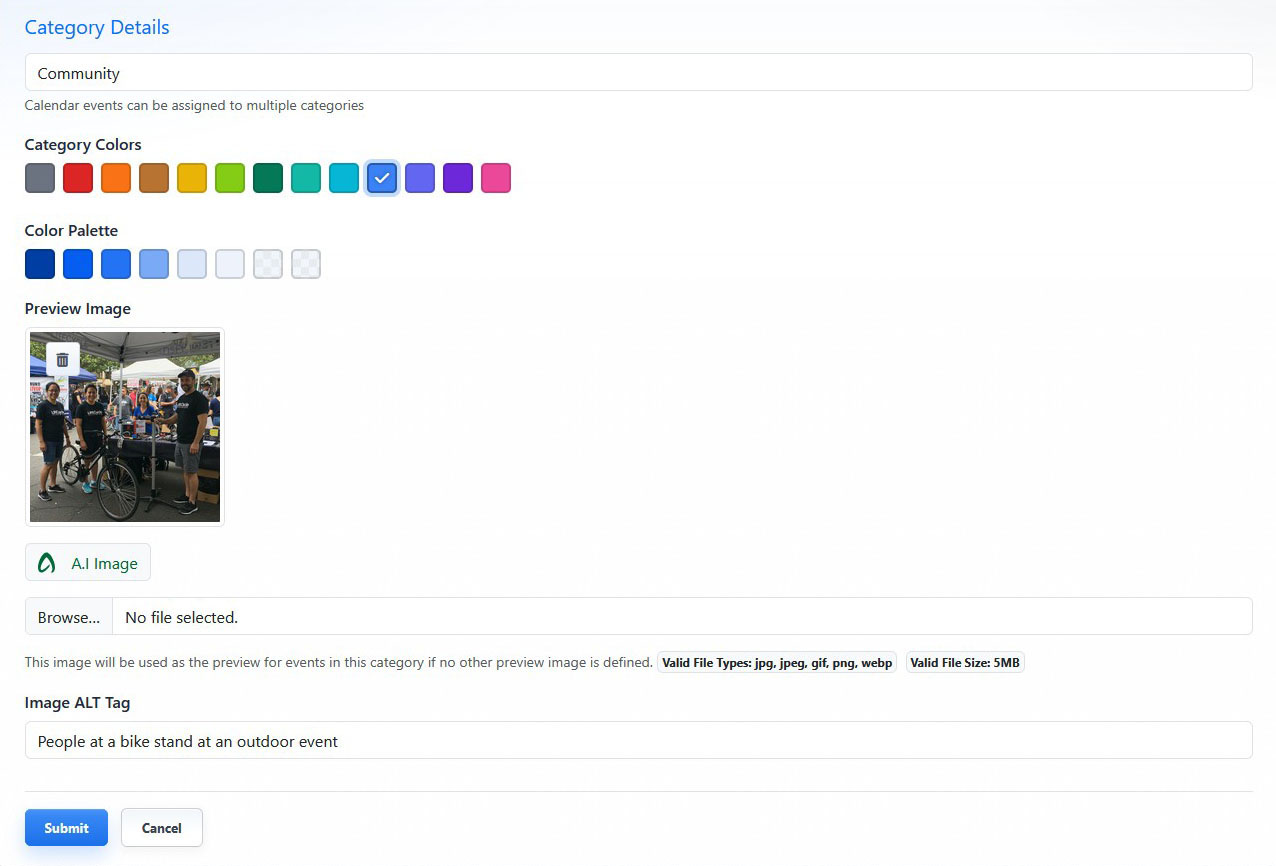
The Category Detail View includes the category name, color, preview image, and image alt tag fields.
Category Name
The category name is required and must be unique.
Use a clear category name that will make sense to CMS users and, when displayed publicly, to website visitors.

The category name identifies the category in the CMS and anywhere the category is displayed publicly.
Category Colors
Category colors can visually represent categories in public-facing list or detail views when category labels are enabled.
Choose a color from the available color swatches. The selected color is shown as active.
Color assignments can help visitors quickly distinguish between categories.
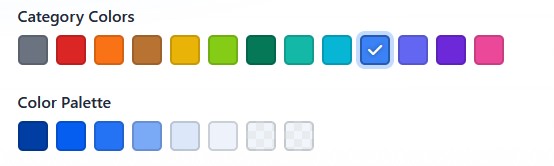
The active swatch shows the selected category color.
Preview Image
The Preview Image field lets you upload an image to represent the category.
The preview image may be used on public-facing pages when no other preview image is defined for a record.
After uploading or selecting an image, review the preview before saving.
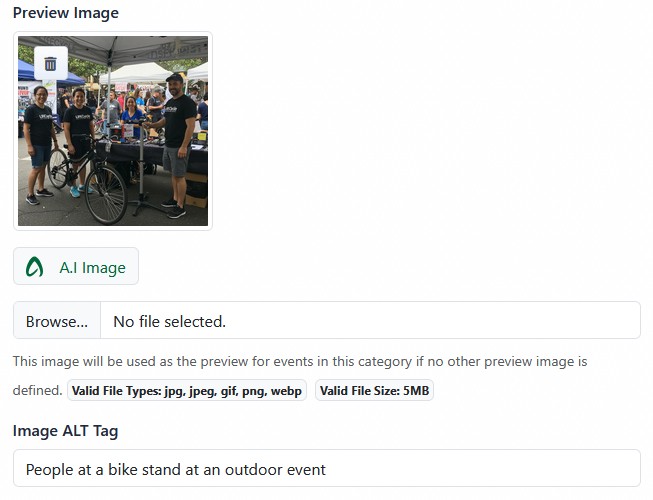
The Preview Image area lets you upload an image, generate an AI image, or review the current category image.
AI-Generated Preview Images
Category preview images may also be generated by AI. For more information, see Generating AI Images.
When an AI-generated image is selected, an alt tag is automatically generated for the selected image.
Image Alt Tag
Use the Image ALT Tag field to describe the category preview image.
Alt text supports accessibility and can help explain the image when it cannot be viewed.
Review generated alt text before saving. Edit it if needed so it accurately describes the image.
Saving a Category
Click Submit to save the category.
Click Cancel to return to the Category List View without saving changes.
Learn More
For category list actions and usage counts, see Understanding Category Management. For AI image generation, see Generating AI Images.